MyProposer vs DocuSign: Sign the PDF, or Stop Sending PDFs
MyProposer Team 6 min read
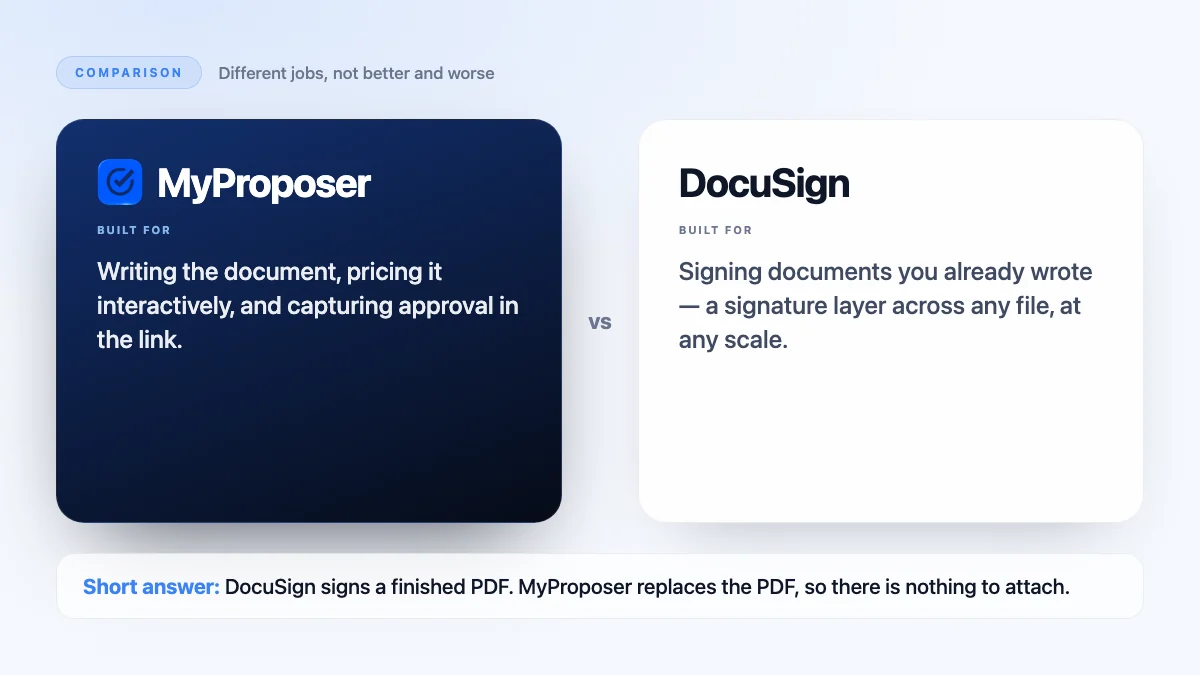
The short answer: DocuSign is a signature layer for documents you produce elsewhere. MyProposer produces the document — AI-drafted, interactively priced — and captures approval inside it. If your only gap is signatures on finished files, DocuSign. If the file itself is the problem, MyProposer.
The workflow most people are actually running
- Write the proposal in a word processor.
- Export it to PDF.
- Send it for signature.
- The client asks what a different package would cost.
- Repeat all four steps.
Signing was never the slow part. Producing and revising the document was.
What DocuSign is built for
Getting signatures on documents, at scale, across any file type and many kinds of agreement. If you handle contracts of many shapes, a dedicated signature layer makes sense.
What MyProposer is built for
Removing the document round-trip. The proposal is a link, not a file. Clients change their selection and the total updates in front of them, then they approve in one click — no export, no attachment, no revised version.
Side by side
| MyProposer | DocuSign | |
|---|---|---|
| Starts from | Your rough notes | A finished document |
| What the client gets | An interactive proposal link | A document to sign |
| Changing the price | The client changes it themselves | Re-issue the document |
| Range of documents | Proposals, quotes, invoices | Almost any agreement |
Choose DocuSign when
- You need signatures across many document types, not just proposals.
- Legal and HR paperwork run through the same signing process.
- Your documents are produced elsewhere and that is not going to change.
Choose MyProposer when
- Proposals are the documents you send most.
- The revision loop over pricing is what costs you time.
- You want signing to be the last click of reading, not a separate email.
Common questions
Are signatures captured in MyProposer binding?
MyProposer captures digital approval on the proposal, with a record of who approved and when. See our E-Sign Consent policy for how electronic signatures are handled.
Can I still send a PDF if a client insists?
Yes, but the interactive link is the point: it is what lets the client price their own package without asking you for another version.
Start free with MyProposer — two proposals, quotes, contracts and invoices every 30 days on the free plan, and 30 days of Pro free and automatic on every new account.